
Permissions& User Roles
Control who can view, edit, and publish content across your brand and every location.
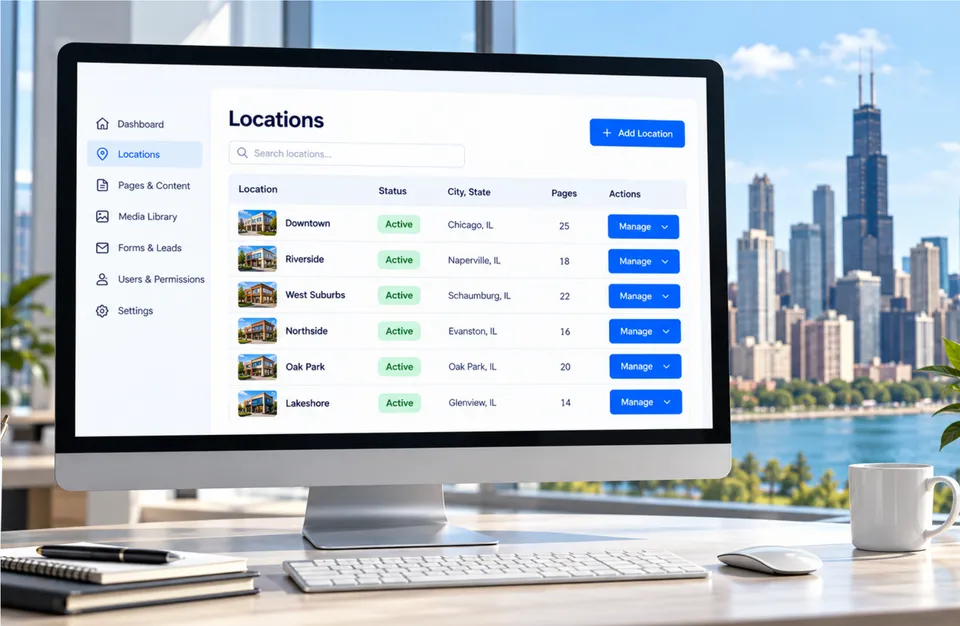
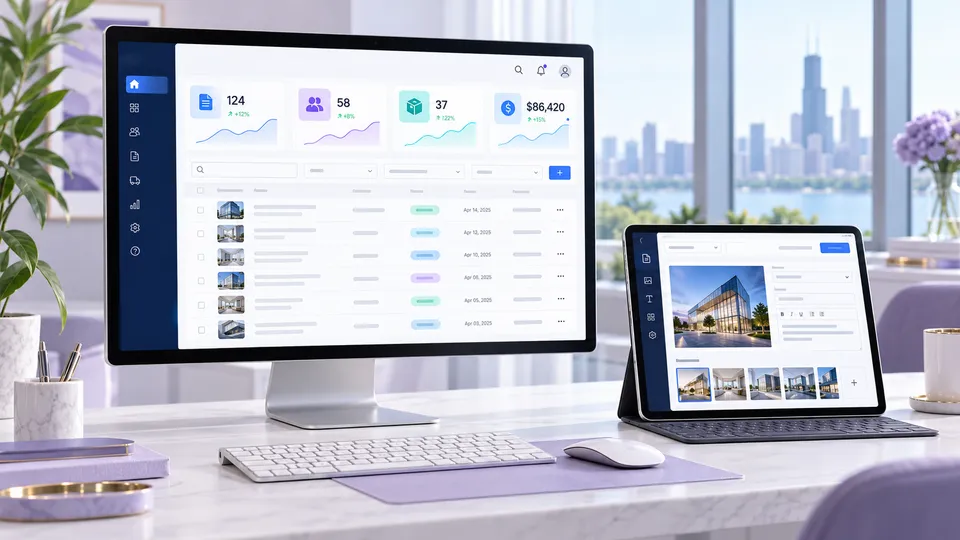
The right access for the right people.
Corporate, regional, and location teams need different levels of access. We set up roles and permissions so everyone can do their job without risking brand content.
- Role-based access
- Location-level restrictions
- Activity history
Common roles.
Corporate Admin
Full brand control.
Regional Manager
Oversee a group of locations.
Location Manager
Update local details.
Editor
Draft content for review.
Viewer
Read-only access to reports.
Audit Log
Track every change.
A simple process. A powerful result.
Discover
Brand, locations, and goals.
Plan
Master site, templates, and roles.
Build & roll out
Develop and launch locations.
Grow
Add locations as you expand.
Common questions
How is a franchise website priced?
Franchise and multi-location websites are custom quoted based on the number of locations, templates, features, and integrations.
Can franchisees edit their own pages?
Yes, within the limits you set. Roles and permissions control which content each location can change.
Can we add locations later?
Yes. Location pages are built from templates, so new locations can be added as you grow.

Ready to build your franchise website?
Get a custom quote tailored to your brand, locations, and growth goals.